



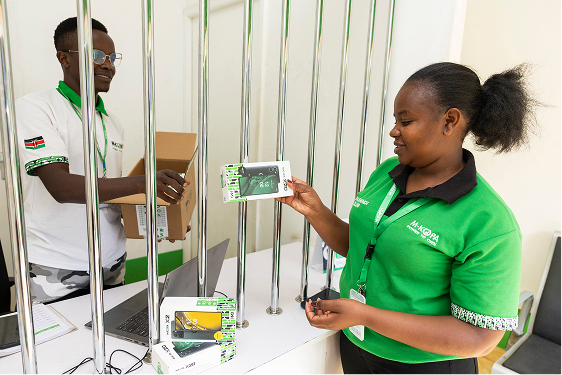
Nowadays, our smartphones have become indispensable for many daily tasks, such as communication, storing personal and professional data, and even banking transactions. However, with new possibilities come new security risks, including cybercrime attacks.
As such, smartphone manufacturers regularly release security updates for their iOS and Android operating systems. These updates are designed to protect devices from malware attacks, security breaches, and other potential threats.
Why perform regular updates?
Performing regular updates strengthens the security of your device by correcting any vulnerabilities present in the system. The more regularly you update, the less time hackers have to exploit these security vulnerabilities to steal your personal data or install malware.
Below are some problems that can arise if your smartphone's operating system hasn't been updated for a while:
- Security Vulnerabilities: Older versions of the operating system often contain known security vulnerabilities that are patched in newer updates. If these updates are not installed, your device becomes vulnerable to hacking, espionage, or data theft attacks.
- Slow performance: Operating system updates also offer performance improvements, such as bug fixes and support for new hardware and software. If you don't update your operating system regularly, your device may become slow and inefficient, making some apps frustrating to use.
- Compatibility issues: Over time, app developers update their software to work with the latest operating system versions. If you don't update your operating system, some apps may no longer be compatible with your device, which can cause issues such as unexpected shutdowns or malfunctions.
- Loss of features: New features are often added or updated in operating system updates. If you don't regularly update your operating system, you may miss out on new features that could improve your overall experience with your device.
How to update your smartphone?
For iOS:
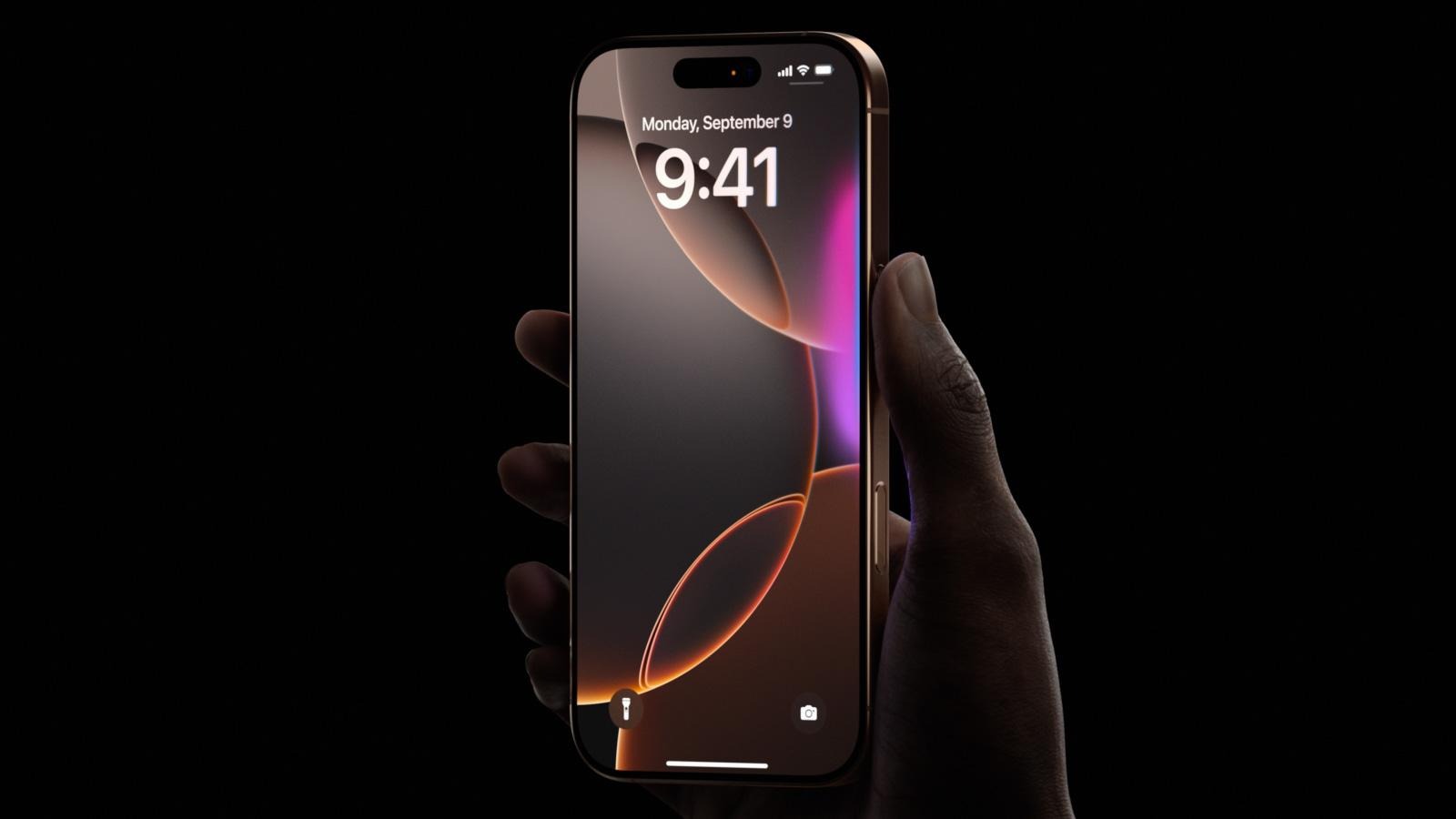
- Open the Settings app on your iOS device.
- Select “General,” then “Software Update.”
- If a system update is available, you will see a notification to download and install the latest version.
- Tap “Download and Install” and follow the instructions to install the update.
For Android:
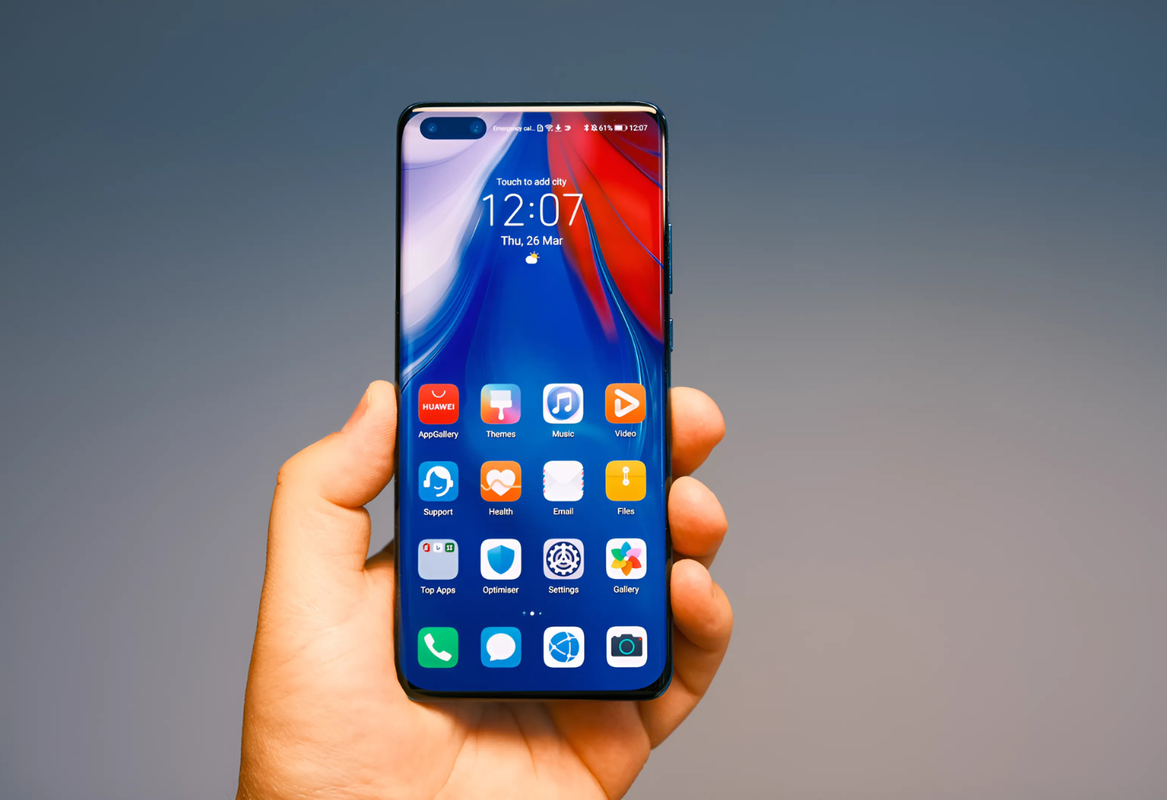
- Open the “Settings” app on your Android device.
- Select “System” or “About phone,” depending on your device.
- Click on “System Update” or “Software Update”.
- Check if an update is available and follow the instructions to download and install the latest version.
For both systems (iOS & Android), it is recommended to back up your data before updating, so as not to lose any important data or files.
Additionally, it is best to update over a WiFi network to avoid using your mobile data and ensure a stable connection for downloading and installing the update.
Benefits of updating your device software
Increased security
The main benefit of regular updates is undoubtedly the increased security of your devices and software and, indirectly, the better protection of your personal data. App developers are constantly working to improve their tools, identifying and correcting potential security vulnerabilities. Therefore, regular updates are an excellent way to limit the risk of cyberattacks, prevent data loss, and work safely.
Better performance
Updates also aim to correct any bugs and errors in applications and software. Therefore, by opting for updates, software and applications operate optimally at the highest performance possible at any given time. This allows you to use your phone more efficiently, benefiting from a smooth user experience, free of bugs and errors.
Access to the latest features
Continuous product improvement is also a priority for software and application developers. Through updates, they offer new features to better meet user needs. These features can be diverse and varied, and may include interface improvements, new collaboration tools, task automation, etc.
Save time and money
Updates are a way to maintain your connected devices and mobile applications. In this sense, like any good maintenance, they help extend the lifespan of your smartphone. This saves money by avoiding recurring replacements and repairs. Beyond these cost savings, regular updates save you time by avoiding breakdowns and future problems.
In summary, keeping your iOS or Android operating system up to date is essential to protect your personal and sensitive data, improve device performance, and help you stay safe from cybercrime threats.





.svg)


