




Besides the financial loss involved in replacing a lost smartphone, the situation can lead to financial scams and the exposure of personal information. Below is a complete guide on what to do to protect your data in this type of situation.
File a police report
The first step is to file a police report for the crime of cell phone theft. This procedure does not guarantee that your device will be recovered, but it offers the owner greater security in case the phone is used illegally.
For example, if thieves use a banking app on a stolen phone to withdraw money from your account, it's important to have proof that the device was not with you during the incident.
Track the stolen phone
You can track a stolen or lost cell phone using the locator apps on your phone i.e. “Find My Device” for Android or “Find My” for iPhone. Read this article on how to enable this feature on your phone.
After tracking the phone, and you still can’t recover it immediately, block it right away.
How do I block a stolen or lost Android phone?
To lock an Android phone, you must use Google's "Find My Device" tool. Here's a detailed step-by-step guide:
- Access the Find My Device website from another device or computer
- Sign in with your Google account
- Select your device from the list of devices connected to your account
- Click on “Mark as lost”
- If you feel it's necessary, write a message or leave a contact number in case someone finds the phone
- Next, click the “Mark as lost” button to complete the process.
In addition to locking the phone, you can locate it, make it ring (even if it's on silent), or remotely erase all data.
How do I block a stolen or lost iPhone?
If your device is an iPhone and you wish to lock it, you should use Apple's "Find My iPhone" tool. Check out the step-by-step instructions on how to lock a stolen or lost cell phone:
- Access Find My via iCloud from another device or computer
- Sign in with your Apple ID
- On the iCloud home page, click "Find My iPhone"
- In the list of devices, select the iPhone you want to lock
- Activate "Lost Mode": This function locks the device with a password and allows you to display a message on the screen with a contact number
- Click "Next" and press "OK" to finish
If the device has an internet connection, it will be immediately locked, preventing access to the iOS home screen and other information. If you suspect you will not be able to recover the phone, you can choose to erase all data.
Block your phone's IMEI
Blocking a cell phone's IMEI is a drastic but effective measure. The IMEI, International Mobile Equipment Identity, is a unique number for each device. When the IMEI is blocked:
- The phone won’t be able to make calls, send texts, or use mobile data anymore.
- Even if the SIM card is replaced, the phone will remain locked to the network.
This procedure can be done through your mobile carrier and is an important measure to discourage cell phone theft.
If you have your cell phone with you but don't yet know the IMEI number, you can find it using your phone's dialer by simply typing *#06#. The codes will appear immediately.
NB: It is important to emphasize that blocking the IMEI should not be done before the phone is locked, as the phone will then be unable to connect to the mobile network.
Inform your contacts and social networks
Let your friends and family know you've lost your phone. This prevents them from falling victim to scams if someone tries to impersonate you using your number or social media accounts. A quick post on social media (from a friend's device or a public computer) can alert a wide network.
Get a new phone
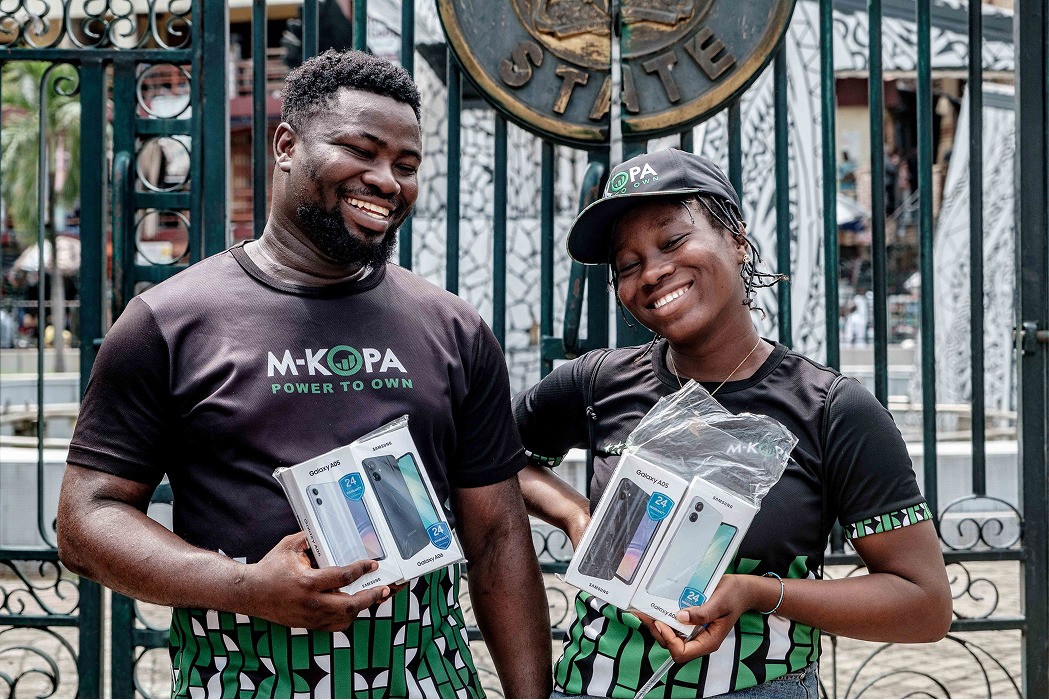
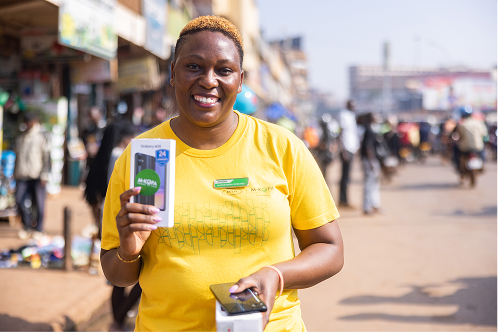
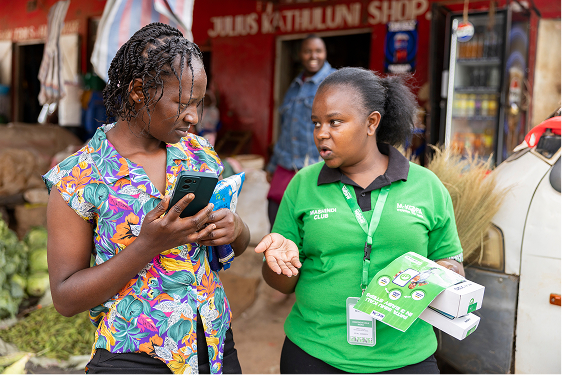
If you’ve just lost your phone, getting one immediately might be a financial challenge. Yes, we understand. The good news? You can get an M-KOPA smartphone and pay on a daily, weekly, or biweekly basis depending on your payment model. It’s not just a phone. It connects you to the world and to better financial opportunities.
.svg)


